
-
Search Results
-
Topic: Idea for VorpX
Hello, Ralf!
First of all, thank you for creating VorpX, to be honest, it was quite difficult to use it at first, every game was complicated to set up, but with each new try I learned new things about VorpX that I applied and eventually I came to know how to use it and appreciate its full potential in my games. I was able to discover my favorite game (Dishonored) in a completely new light thanks to you, so thank you for all your work, you have created an incredible software!I’m writing this post to suggest you to add a new feature that will easily improve the appearance of games in VorpX: “Color Filters”.
To be more precise, I am thinking about integrating a LUT system into VorpX because it is very easy to customize for users and it will take almost no space in the VorpX interface!I will explain what it is, ReShade or ENB users often use it, in fact a LUT is a png image that can be easily manipulated in Photoshop, Gimp or even ReShade and allows to apply important color changes to any game. Everything can be modified for example : invert colors, put black and white, add contrast, remove a color too present (less yellow in “Two Ex HR” or “Vampire Bloodlines” for example) it also allows to adapt colors with specific palettes to help color blind people to better distinguish some colors for example. In short, a LUT can change everything and in a quite easy way for the users, you just have to modify an image!
Here are some tutorials on how to create one for use in ReShade :
https://reshade.me/forum/shader-discussion/3179-luts-powerful-color-correction-the-guide
https://framedsc.github.io/ReshadeGuides/lutgenguide.htmThis is what the png of an LUT looks like:

Just take a picture of a game, add the png of a blank LUT over it and make the changes you want on any image editing software or with ReShade. The LUT will also take its modifications and transcribe them into a color filter in the game (thanks to ReShade or ENB).
In VorpX, I imagine a new “Color Filter” menu in the “Image Settings” tab where you can choose to apply a predefined LUT or a custom LUT. The png’s of the LUT’s are all stored in “My Documents” in the VorpX folder where they can be modified by users or left as is if they wish.

If you want to see a more concrete example, I invite you to use ReShade to try the MultilUT effect to see the different possibilities and why not let you create such an effect to see how easy it is to do (there is LUT.fx in the ReShade shaders if you want to see what the code looks like and a blank LUT png in the textures called “lut.png”).
Here are many examples of color palettes created and usable in games using LUTs:
https://www.nexusmods.com/fallout76/mods/114 (my favorite palettes)
https://www.nexusmods.com/stardewvalley/mods/1213
https://www.nexusmods.com/witcher3/mods/1498Voila, I know you probably have a lot of other more important things to do to improve VorpX (I’m the first to look forward to them) but I think the easily customizable color filters would be a really interesting addition, it can really improve the look and feel of a game and even more in virtual reality!
Don’t hesitate to ask me questions, all this text has been translated with “Google translate” because I don’t speak English (I’m French) so it may not be very understandable.
I can also create LUTs for VorpX if you need them of course!
EDIT: If you don’t have the time or desire to create a LUT system there is also an alternative solution, it would be enough to allow to use ReShade with VorpX (VorpX would use the game image already modified by Reshade before applying its own modification for the VR) it would allow to use all the color effects you want (be careful, the effects that need to use the “Z-Buffer” like Ray Tracing or MXAO probably won’t work, you’ll have to limit yourself to simpler effects).
@ sapolettos: Just a lot of trying each of Ralf’s profiles until you get lucky :) . The shader tool he provided has been a big help too. Loving it.
Had some more fun playing at war this weekend. A couple more G3D shooters you might enjoy.
Medal of Honor: Warfighter (G3D)

I had to force a lot of 3D enhancement to make up for hardcoded FOV (causing environment culling around periphery), but once in the action I was soon not bothered by it. It’s got some intense set-piece shootouts that feel neat in 3D, so I’ve decided to share the profile anyway. I did manage to reduce HUD and offensive shadows, so worth a go if you own the game. Probably my new favorite modern military shooter.
– use a 16:10 resolution (2880×1800) in fullscreen
*Use hotkey “switch G3D/Z3D” for door breaching HUD
*2 driving levels crash the hmd, but vorpX automatically rehooks after completion
*Z-normal optional with cinema modeMedal of Honor: Airborne (G3D)
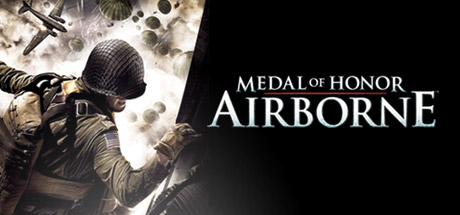
Now this one is working great! I spent most of the weekend adjusting FOV code for each weapon, and it has pleasantly paid off. Very good G3D, flawless FOV, it all just feels right. Shooting is very punchy and physical, and combat action very intense. A must try in VR for war shooter fans.
– download FOV files. Place them marked “read only” into:
Documents\EA Games\Medal of Honor Airborne(tm)\Config– use game launcher to set 4:3 resolution (1600×1200)
steamapps\common\Medal of Honor Airborne\UnrealEngine3\Binaries\moha_setup.exe
(click play to apply, may give expected load error)– from now on, launch as usual via steam etc.
– press Q to trigger FOV at beginning of each briefing and airdrop (also toggles HUD)*If scopes or mounted guns break FOV, ADS with unscoped weapon to fix
*Getting smoked? set steam launch parameter “-enableconsole” and type “god”
*If Q key fails, use console command “fov 120” to set FOV at start of each missionTopic: Code of Honor 3
Code of Honor 3 (G3D)
Rename game.exe to: COH3.exe
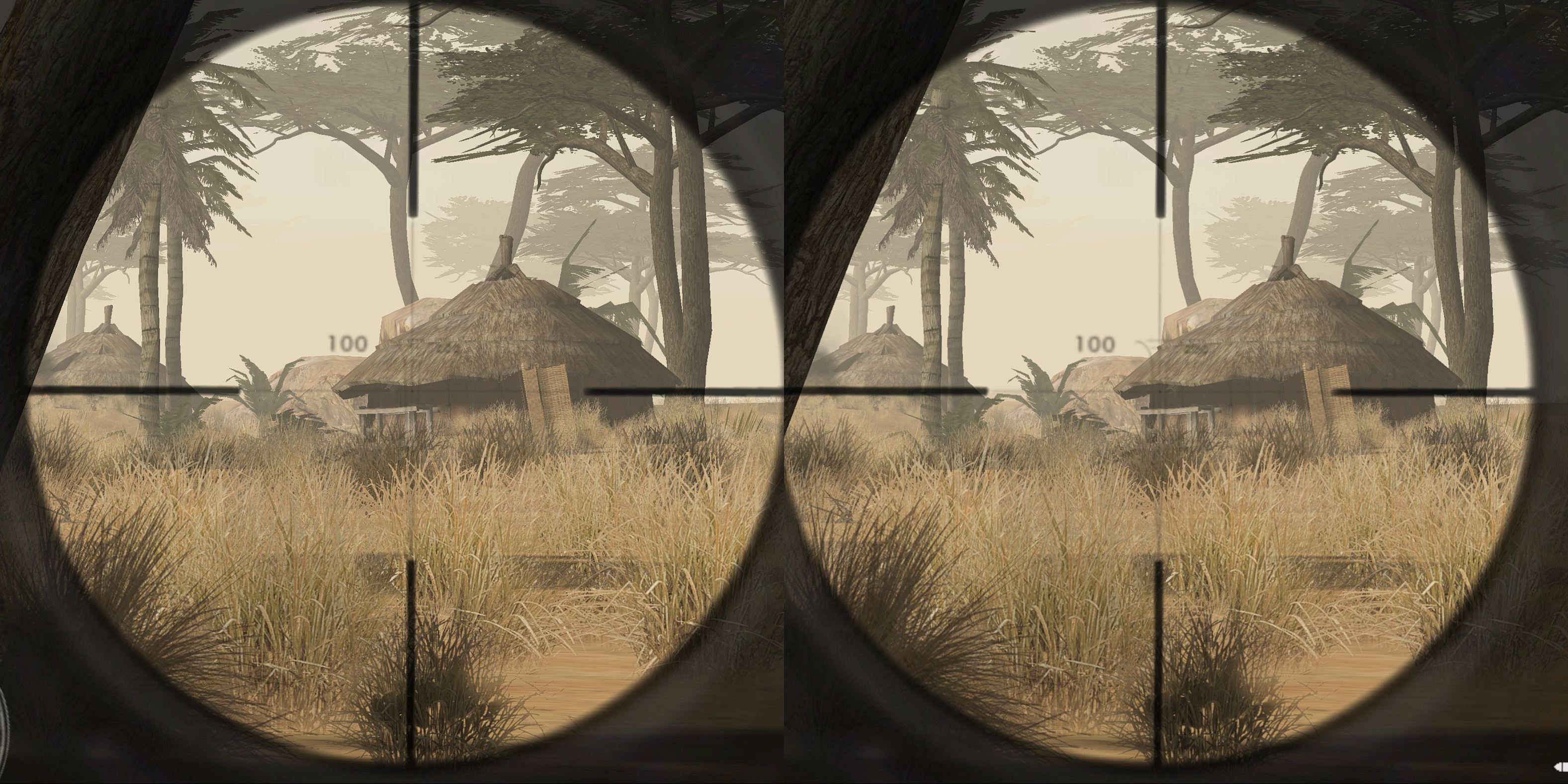
The profile in the cloud is pretty much the same as for COH2. Its a compromise beetween 3D strength and the convergence problem in Sniper mode. If you dont use sniper mode, increase 3D Strength for more realistic 3D.
Note: This game is known for its black screen error on Windows 7 on startup. For the Code of Honor series i suggest using this Black Screen Fix
Topic: Code of Honor 2
Code of Honor 2 (G3D)
Geometry Mode, Headtracking. Sniper Mode looks insane. (Screenshot)
On fast machine choose max settings for shadows for better lighting or turn off completely if shadows look messed up.Rename game.exe to COH2.exe ! (otherwise the profile wont work)
–
Note: This game is known for its black screen error on Windows 7 on startup. For the Code of Honor series i suggest this Black Screen Fix
Happy Easter
Topic: VorpX – 3D-Vision
Hello there,
Have a fiew questions regarding 3D-Objects in Games. Unfortunately i have no knowledge of how Nvidia Drivers and VorpX Drivers exactly work.
In Code of Honor 3, which i have tested with Vorpx, i noticed that objects like plants were 2D. The whole game was some kind of a pseudo-3D. With 3D-Vision the same objects are in 3D, some of them seem to stick out of the monitor when walking past them. This is the way it should be.
Now since i have read that Nvidia provides VR Compatible Drivers and on the other hand that vorpx renders 2 different images (at least in Geometry mode, whatever that means), i must ask why CAN things look so different in VR and 3D-Vision ? I guess voprx is using a completely different technique then the nvidi drivers and why not using their “vr comatibility” ? – Meaning, in my eyes it should be possible to use the drivers vr compatibilty to let the graphics card do the rendering insted of doing this by software through the cpu.
Well, my main questing is, how can it happen that i have a nice an clean 3D with 3d-vision and only a pseudo 3D with vorpx ?
Thanks in advance
RJK
Viewing 12 results - 1 through 12 (of 12 total)



Viewing 12 results - 1 through 12 (of 12 total)