-
Search Results
-
Hello,
i’am new to VorpX. I tried Alien Isolation, Battlefield Hardline and Fallout 4.
In every Game the 3D Reconstruction Mode is set to off, and i can’t switch it to on, the Cinema Mode is off. So why is there no option for 3D Modes like z-Puffer Mode or Geometry 3D?Using the latest 1.4 Oculus App ( Update comes today )
Any help is welcome.
Greeting Tomcat.
Topic: HTC vive – Vorpx work but…
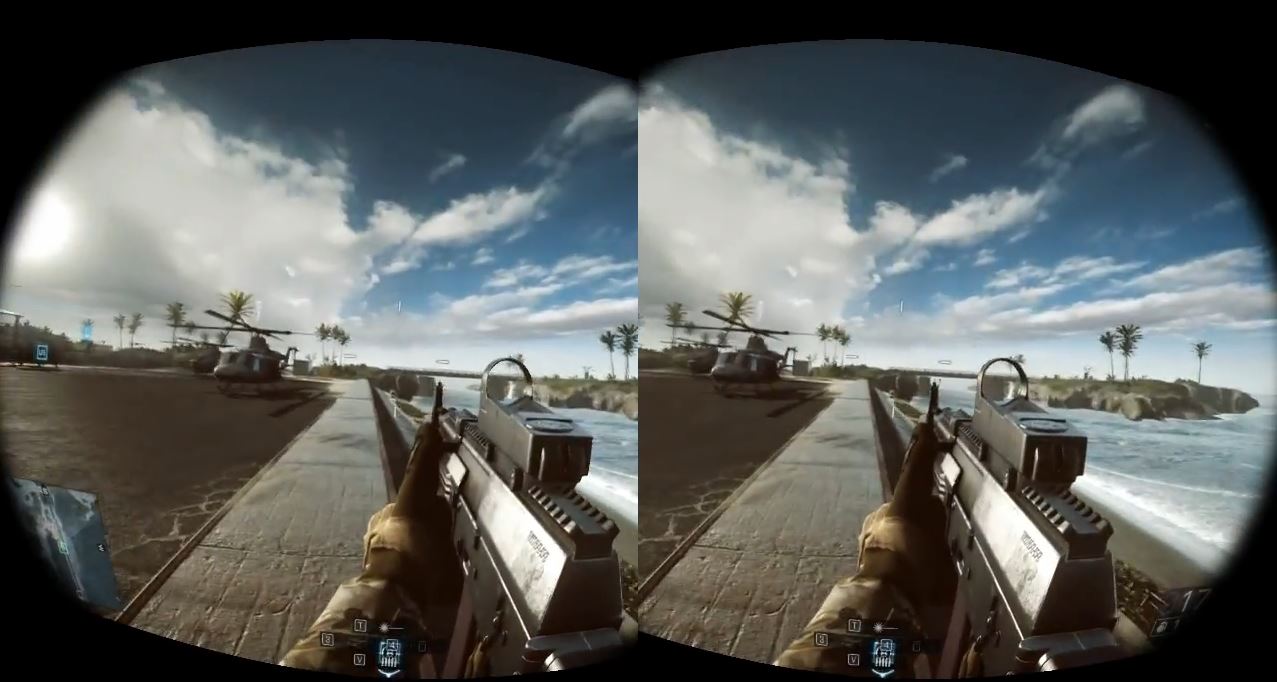
Sorry for my bad english… I tried vorpx with battlefield 4 and fallout 4, but I have a problem ..
The game works but the view is not correct. In the screen that should display the game in vr, I have the impression to have before a 3D flat screen and a few centimeters.. Something does not work… I tried to correct the fov but not solve anything. No other setting makes me think of being in a game for the vr, but I only have the impression of being in front of a big screen 3D.
The game weapon remains too large, and changing the fov find myself only the closest background. I do not understand what could be the error. Thanks for your helpTopic: Excluded Programs?
Ok after no solution to my issue, i have another question…
In excluded programs list, i see a few programs on it that are associated with my games, i even see oculus on this list. All of my games are steam/windows except Battlefield 4 which is origin. both steam and origin is on this list also.
“Programs on this list will never load vorpX even if vorpX ‘thinks’ it might make sense to try”
Im confused because I never touch the list, but there’s plenty of game oriented programs on there that are directly involved… What should I do? I get the same outcome for games. Sorry, we have trouble loading {game}.exe…
Please help, i just want to experience my game library in VR…
After every time i use vorpx to play gta \ battlefield \ left4dead etc. al my games from oculusd developers crashes ( cyberspace, UE4rollercoaster) To fix this problem i need to shut down vorpx . Including oculus games in vorpx doesn’t help. Sorry for my terrifying english
Topic: Battlefield 4 and Crysis 3
Ralf thank you for all your hard work! It’s great to see developers having such real time part in helping their customers.
On to my issue!
re: Battlefield 4: Campaign
I am able to launch the game & get it to hook to the Oculus pretty consistently. However, after the game starts I get a black flickering screen. The audio is there & the game appears to have loaded the level. Although the screen is black I can tell I’m able to walk around, jump, fire my weapon. The map shows up in the bottom left & doesnt flicker as much. If i switch the Virtual Cinema the virtual screen is still black & flickering but the Virtual Cinema is ambience is fine. Again, getting the game to hook to the Oculus is not a problem. It seems to be a graphics problem causing a black flickering game screen.Oculus DK2(firmware 2.12)
vorpX .9.0
Oculus Runtime .8
Radeon Fury X
Catalyst 5.1 Beta
Windows 10(up to date)
Intel 2600kthings I’ve tried:
-AMD Raptr off
-all graphics settings ‘default’
-all graphics settings ‘off’ or ‘Use application settings’
-Battlefield 32 bit & 64 bit
-Origin ‘offline mode’
-Origin ‘in game overlays’ off
-vorpX ‘Game Setting Optimizer’ applied
-run ‘vorpX Control’ as administrator
-disable windows Aero, through vorpX Genral Settings