Yeeeeah, I’ve fiddled with it, as soon as I regedit the RenderAPI to be DX9 the game stops working with Vorpx. I can get the game running on DX11 or whatever the other option is, but then it is only Z-buffer (and Vorpx reminds me too to change the RenderAPI to 9 if I want G3D). Just finished Rise of the Tomb Raider and that worked like a charm without changing the RenderAPI (so I assume it was running on DX11, it did say as much on the display options menu).
Hi!
Any info on why the 2013 Tomb Raider doesn’t work? I am running the GOTY edition from Epic Games, tried with the Epic launcher, tried straight through the .exe file (with and without the -nolauncher command line), nothing. If Vorpx is running the game doesn’t start at all, if I close Vorpx, then it works just fine. Can’t figure this one out, maybe the Epic GOTY version is some new updated version that breaks something???
EDIT : Rise of the Tomb Raider works just fine and looks great, so go figure, had the idea to play through the trilogy, but now I am doing the ROTTR coz can’t get the first one to work.
You can give Tomb Raider a try—that game has built-in 3-D settings and the effect is fantastic. Have fun!
Having bug with last update – keyboard input is locked and don’t work. Copying all the files from 21.3.5.0 version of vorpxControl.exe resolves the issue. Tested only with SpaceEngine and Tomb Raider 3 via voodoo wrapper, cause don’t have other games installed. In the menu of SpaceEngine can use mouse, but while in the game it’s also do not work at all. Game have native vr support, but for testing used regular gave.
Oculus Rift CV1, Win 10 with auto updates removed, NVidia drivers without geforce experience, no overlays or any kinds of trash which hooks in to the games, no exotic input devices with their services, no motherboard vendor bloatware. Latest Quest software. I didn’t run vr for a long time, so have no idea if there are any versions in between 21.3.5.0 and last one.
Tomb Raider Legend (Original Renderer) – G3D
This is a shader fix for the Original (NOT NEXT GEN ! ) Renderer. No key tools etc. needed.
– Required: additional files
– May not work with the Steam game (renamed exe required)
– Nice S3D in all modes
– Full VR with Headtracking
– Fixed HUD
– Disable Water Effects !
– Profile available at the cloud
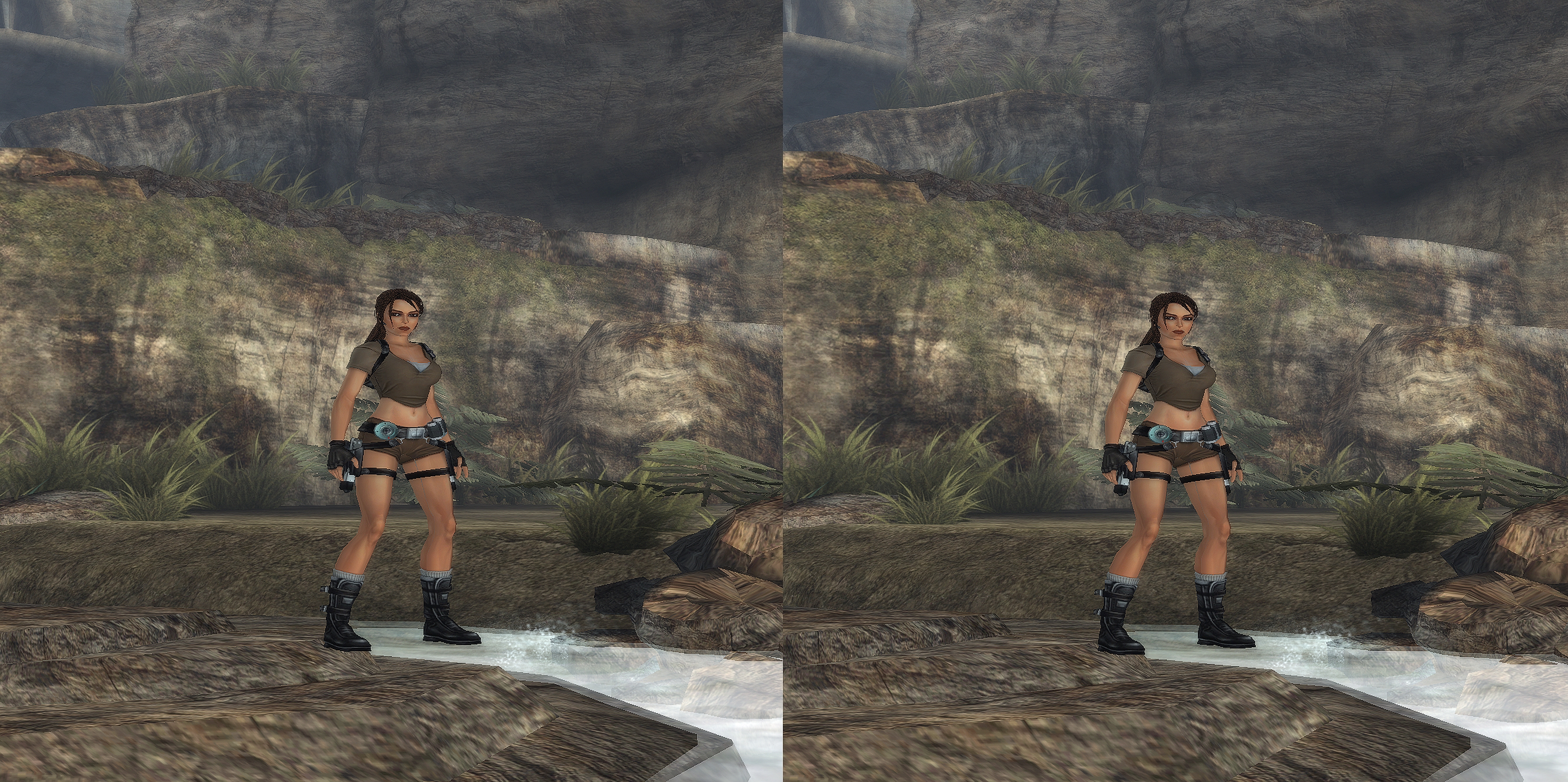
Tombraider Legend (Next Generation / G3D)
This profile is for the Next Generation Renderer ONLY !
– Required: Additional Files
– Required: Next Generation Renderer
– Required: rename trl.exe to trn.exe
– Optimized for Cinema Modes
– Profile available at the cloud

I wrote a little key helper for Tombraider Legend where you can view the misaligned HUD properly on higher 3D settings. The script allows you to use several keys together with vorpx in order to swap 3D settings.
Get it here :
https://rjkole.com/gamestuff/vorpx/vorpx_keyhelper/trl_legend.php
I built a new pc 2 weeks ago. I have Ryzen 7 7800X3D and RTX 4090. I did some benchmarks last week, and recorded 251 frames per second in Shadow of the Tomb Raider at 4K with DLSS set to quality and settings set to highest.
I installed Vorpx and tried the game on my Quest 3 headset but it was very blurry and I had distracting artifacts on screen. Also performance was bad.
I deactivated Vorpx but performance is still way down compared to last week. I just recorded 140 frames per second with the same settings which is 45% less. I tried uninstalling and reinstalling the game but it made no difference.
As far as I am able to tell it seems the performance is unaffected in other games.
Problem with using a profile is you cant hook any alternatives for SBS if vorpx hooks because it does it at a lower level or overtakes rendering from other software. This method only applies to games like tomb raider that have built in sbs mode.
To use vorpx with any other 3d injector you need to use vorpx desktop viewer
reshade works with vorpx !
Problem with using a profile is you cant hook any alternatives for SBS if vorpx hooks because it does it at a lower level or overtakes rendering from other software. This method only applies to games like tomb raider that have built in sbs mode.
To use vorpx with any other 3d injector you need to use vorpx desktop viewer
Has anyone had luck getting vorpX to attach to games using Steam? I tried installing vorpX in the same Proton installation folders as Tomb Raider 2013 and Cyberpunk 2077 and can not get the games to launch even with Steam VR active.
In the last of us i have no flow and i never reached the second half of the game because of that. In general i like Stealth gameplay with flow, and no run and gun shooter. And Storys like Mafia 1+2, Red Dead Redemption, Witcher 3, Cyberpunk 2077, that are also fantastic adult storys but with a bunch of emotions and not only one of depressive and brutality. I completed Days Gone which has a melancholic atmosphere too, but the mix of the state of the art gameplay with flow and emotions that are melancholic and not depressive is in my opinion a better way to have a good time and not to cry.
RE4 remake, I gave RE 8 a chance because of the amazing graphics, but I do not like Horror Games. Elden Ring for example is without it’s difficult level a crap game. On the other hand, Syberia: World Before and Stray or also Hogwarts are quality games, but i do not like those games, too.
In 2022/2023 i also completed Mafia 2, Hitman Absolution and Deus Ex Human Revolution.
I will give Uncharted 4 in VR a new chance, but i completed it in 2016 before.
I installed some nude Mods for a few NPCs to make it a little bit more interesting.
Also Tomb Raider 2013 looks great in G3D with a nude Mod, and has a good story and good gameplay.
I know that it is sad, that i have to install nude mods to have fun with uncompleted older games, but the last 4 years were financial successful for the gaming industries, but they is only a small list of Blockbuster which have amazing gameplay, with an amazing story in combination with next gen graphics.
I use my rokid air for gaming in SBS. Using the Generic 3D Display. Is there a way to disable this message. instead of pressing Ctrl+Alt+Shift everytime?
Iam using the nvidia shield to stream content from my pc to the shield. And using it in bed with SBS support is amazing like in Shadow of the Tomb Raider for instance. Hopefully there will be a solution to this. Mayebe you can integreat the Rokid Air SBS mode in Vorpx. Officially SBS Mode works only on Android devices.
Other than that iam happy with the solution i have now.
Thanks, folks. Will check it out.
2 quick questions:
Is it safe to assume this method could work on Rise of the Tomb Raider as well?
And is the stereoscopic improved with DX12 somehow? I had previously noticed it to be a bit inferior to Vorpx’s native G3D.

