-
Search Results
-
Topic: Artifact in Witcher 1
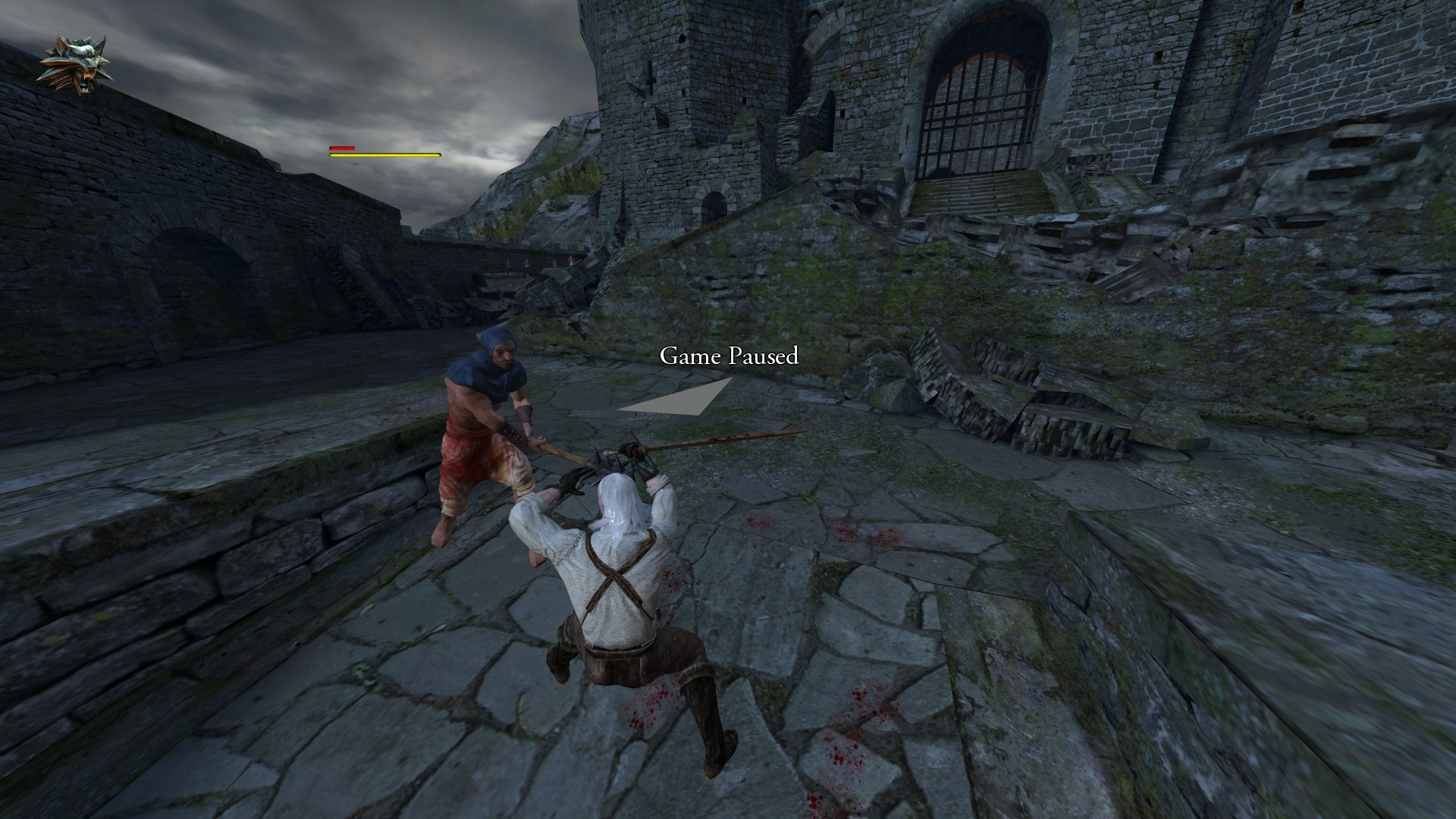
I am attempting to play Witcher 1 Enhanced Edition, and have an artifact which makes the game almost unplayable. There is a flickering trapezoid almost directly in the middle of the screen. I took a screenshot of what it looks like in the game:
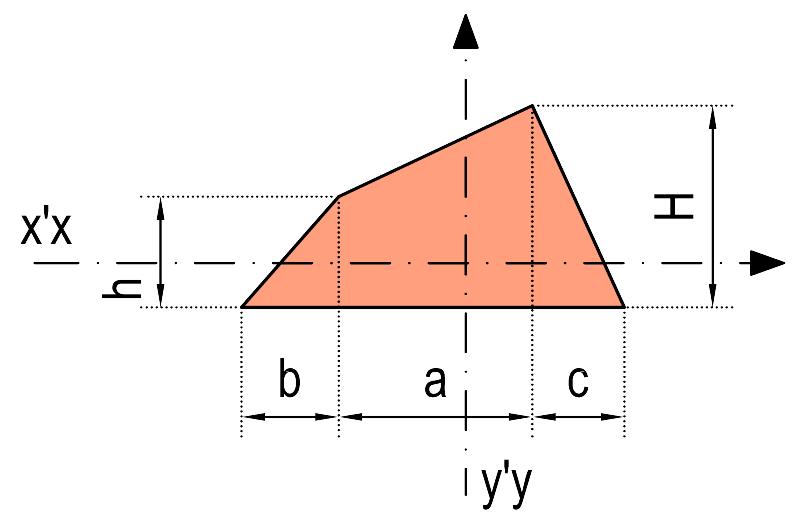
This almost represents the exact shape of the artifact:
Is there any way of removing this artifact? This occurs in the vanilla Steam version as well as GOG version whether I am in Cinema mode or not. It does not show up when played without Vorpx.
Any advice is greatly appreciated.
Hi Guys
Yesterday i bought Vorpx to Play Witcher 3 or Battlefield etc.
I have install the programm and than Start the Config.
First i disabel the Headtracking and than i checked if one if the Games are Supported.I Apply and than Apply and closed the Program. I Restart Vorpx and than i Start the Game. My rift goes on but i get a Black Screen in the rift and in my screen. I have a Sound but i cant See anything.
I Tried it with Battlefield 4 and Witcher. Same Problem.
I Hope you Guys can help me
Topic: Ingame fps always < 75
What exactly is (technically in Vorpx) limiting the games’ fps ?
I’m always getting 73-74 fps with rare Jumps to 75 … Ok, my machine sucks you’ll say but this is very unlikely because it doesn’t matter if I run Max or low Detail in e.g. Doom or Witcher 3. Even low resolutions dont help. It seems like “my” Vorpx fps Limit is 74 … not 75. This produces stutter of course. I don’t use vsync or other limiters of course. Doom runs ~200 maxed out … Even old Games with 500+++ fps are bound to 74 … not 75 …
Thanks in advance…
I had been playing Battlefield 4, GTA V, The Witcher 3, Rise of the Tomb Raider, and The Division for a long time at 1080p/60fps on a 65 inch plasma TV at a distance of 8.5 ft (optimal distance for that size/resolution according to online calculators & charts). I was able to easily see the difference between Low, Medium, High, Ultra on the TV just fine. But for some reason when I play those games using the Oculus Rift (CV1) and VorpX (or Virtual Desktop) I can’t tell the difference between the highest and lowest settings. In terms of visual fidelity I see absolutely no difference or the difference might for some reason be so small that I can’t detect it. Obviously there is a huge impact on frame rate going from lowest to highest, but I’m curious about the visual fidelity. I am running those games at 2160 by 1200, 90+ fps (depending on game somewhere between medium to ultra)’ 980 ti. Any idea why that might be? Have u experienced the same thing (same visual fidelity regardless of low or ultra settings)?