nothing in particular. i installed resident evil from steam. then I simply copied the mod file. then I started it in window mode with vorpx desktopwiever, once started press ins to activate the mod
I’m crazy. After the latest update of vorpx resident evil 8 and resident evil 7 they became unplayable. whether the settings are high or idle the game does not exceed 25fps. I don’t really understand why! I don’t think it’s a settings problem because games like exodus enchanted at maximum settings works great at 90fps! I use oculus quest 2 with virtual desktop, the only thing I noticed is that in resident evil 7 and 8 after a minute of playing the latency increases me up to 100ms.
Well. The point is that I have almost perfect CPU + GPU and I am just able to play at 720p using geometric on 3rd person games.
I have tried FFXV , I got 60fps at 720p. Therefore unplayable. I do not know which other 3rd person game I can try.
So is something wrong or G3D just supposed to work with very very few games or just first person games?
Comparing FFXV and RE2 , resident evil 7 runs with amazing perfomance.
Also returning my 5800X is pointless… I did not get better perfomance. Maybe just a bit (10% more resolution maybe?) but as I said, is not like I could play those games better using G3D with this new cpu.
Hi.
I am grateful with the program, Z or normal buffer have good perfomance.
However, 3D Geometric is the one I love and I want to use. But it seems to be locked, unable to offer perfomance enough, no matter how powerful the PC is.
I thought I needed more power from a 2070 super so I bought a 3080.
I asked you why I did not get better perfomance after this upgrade. You said is because its needs cpu more than GPU, rather single core perfomance than multicore. So you “made” me upgrade from ryzen 3600 to 5800X, whih is more powerful at single/multicore and cost double the price.
The result is I get the same performance as 5800x + 3080 as 3600 + 2070S. So the upgrade was pointless. And basically I reach the point that I cannot have much better components.
Therefore 3D Geometric perfomance is on the developer side more than the components side. There is no way to increase the performance as far as I know and I consider is too low.
As I said on previous post, these are the results. Even after the upgrade, nothing changed, which is dissapointing.
Resident evil 7 MSAA – everything minimal/off -except textures/mesh (high)
1080 – stable 90 fps. 2K – almost stable 90 fps. On the garden the performance drops to 60fps-70fps.
Much better performance on RE7, maybe because as first person there are less objects on the FOV, but still not good taking in mind the upgade did not have any impact on the perfomance.
Hello.
I have notebook MSI i-79750H CPU 2.60 GHz, Nvidia 2070, 17,3” LCD (FHD) 16:9. VR set- WMR Samsung odyssey2. In Vorpx menu dont have 3d Reconstructions – Geometry and another.
I can’t get rid of black lines like in a movie theater. Use 1920/1080 resolution
That did it! Every resolution problem i had has been solved by this. Resident Evil 7, Half Life 2, Black Mesa, Portal, Dishonored, Bioshock, they all look better than i couldve imagined!
The problem was that i tried to be clever when setting the custom resolutions and used 90hz.
Now at 60hz every game lets me choose them and its incredibly beautiful! My Monitor is still at 1440p@165hz and i strangely have to use fullscreen in my headset everywhere to get the desired resolution but it works great!
Hey everyone im haveing the hardest time getting this game to run. After the first cut scene it says “fatal application exit” than it says present failed hresult=0x887a0005 the get deviceremovedreason to determine appropriate action. I appreciate any help. Im super bummed i cant get it to work. Thank you.
1. Make a copy of devilmaycry5.exe.
2. Make a copy of the Resident Evil 7 profile.
3. Assign the copy of devilmaycry5.exe to the copy of the Resident Evil 7 profile.
4. Run the copy.
5. Ignore the messed up G3D and go to z-normal/adaptive mode.
6. Enjoy playing the game in Z3D.
7. Pay my consultation fee. Never mind – this was a no-brainer since Devil May Cry 5 uses the RE engine.
Hi, Steam client start up with the game, i use to open it always with steam vr before to run the game.
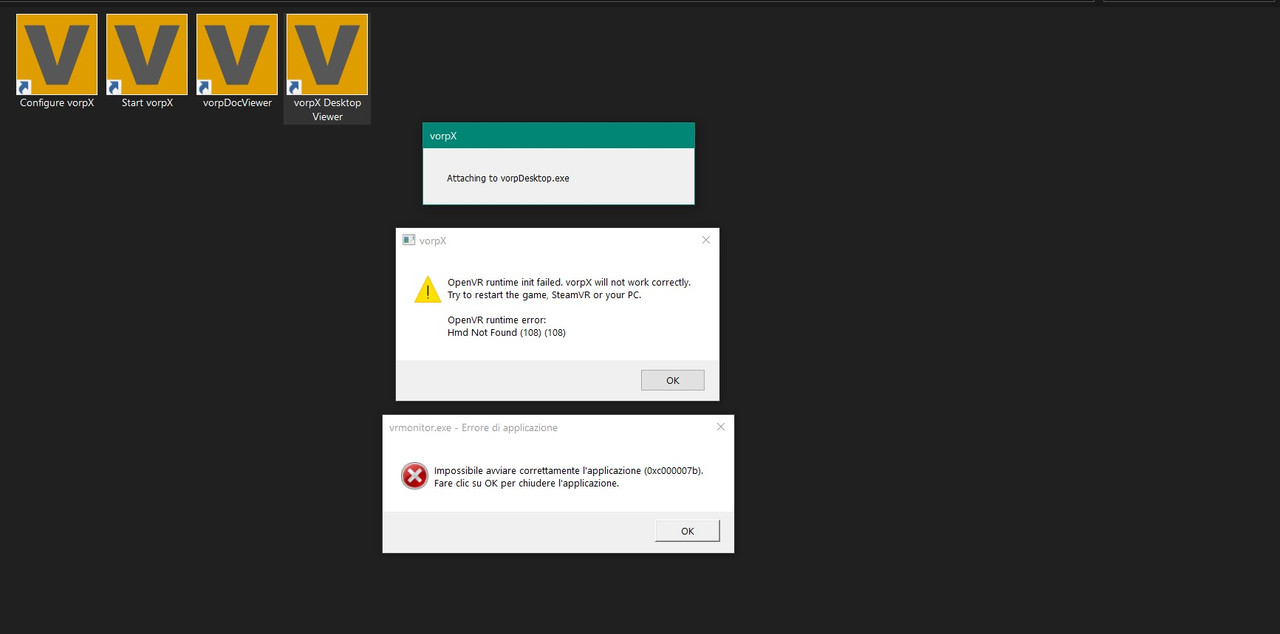
The attaching message does not appear, it did until i reinstalled Vorpx because nothing was displayed in the VR display anyway, it frozen in a black screen with a rectangle and the name of the game, now the attach message never shows.
I tried to use the administrator checkbox nothing change.
I have tried Mortal Kombat 11, Sekiro, Devil May Cry 5, Resident Evil 2 Remake , Star Wars Jedi Fallen Order.
i heared and even saw a video of resident evil 4 support in vr i dont know if re5 is supported, but i would like to test both
is it possible to map vr controller movements into keyboard/mouse inputs? i would like to be able to aim with my VR controllers.. wonder if someone have tried.
by the way re4 or re5 are perfect for this game because in this game you cannot aim while you’re moving. so i think its a perfect game to squeeze all the vorpx potential.
I have much more higher performance in the Resident Evil 2 with more higher settings.
I heard that this problem is not only mine:
Cite: “Strong CPU limitation (3 core bug?) especially when in the street going out of the metro station in the RE3 demo.
Framerate goes from 105fps in 2D to < 25fps in 3D (on an old i5 2500k@4.4ghz) with only 35-40% gpu use (rtx 2600).”
I have much newer CPU, but fps as lowest as him.